
A successful master schedule requires months of preparation. Starting early with a structured scheduling timeline helps schools reduce last-minute issues, improve collaboration, and create schedules that better support students and staff. Let’s take a look at how to plan your school schedule month by month.
Why Schools Need a Master Scheduling Timeline
The master schedule affects every part of school operations, from determining which courses students can take to assigning teachers, allocating classrooms and specialized spaces, balancing student schedules, and making the best use of available resources. Without a structured planning process, schools often end up making rushed decisions that lead to scheduling conflicts, inefficient resource allocation, and last-minute adjustments. A well-planned master scheduling timeline allows schools to gather accurate information, evaluate options, collaborate with stakeholders, and make informed decisions that support students, teachers, and the school as a whole.
The Ideal Master Scheduling Timeline for K–12 Schools

While every school’s scheduling process is unique, most successful master scheduling cycles follow a similar pattern. For many K–12 schools, planning begins in the fall and continues throughout the spring and summer leading up to the new academic year.
October–November: Review the Current Schedule and Plan Ahead
Primary Goal: Evaluate what worked and identify opportunities for improvement
The first step in the master scheduling process is reviewing the current year’s schedule. Before making decisions about the upcoming year, scheduling teams should analyze how effectively the existing schedule supported students, teachers, and school operations.
Key areas to review include:
- Course enrollment patterns
- Student schedule conflicts
- Teacher workload distribution
- Classroom and specialized space usage
- Course demand
- Program or curriculum changes
This review helps administrators identify areas that need attention before next year’s schedule is built. For example, schools may discover that certain electives were consistently overcrowded, some sections had low enrollment, teacher assignments were unevenly distributed, or specialized classrooms were not being used efficiently. By identifying these patterns early, schools can make more informed decisions about course offerings, staffing needs, and scheduling priorities for the upcoming year.
Preparing Scheduling Data in Orchestra
For schools that have used Orchestra before, this process becomes much easier because historical scheduling data is already available. Instead of starting from scratch, scheduling teams can review previous schedules, analyze trends, and use reports to understand what worked, what created challenges, and what adjustments should be made for the upcoming year.
With Orchestra’s reporting tools, schools can review important scheduling insights such as:
- Enrollment trends and course demand to determine which sections may be needed
- Student course request patterns to better align offerings with student interests
- Section enrollment and class size data to identify overfilled or underfilled classes
- Teacher workload reports to balance assignments and improve staff allocation
- Room usage reports to maximize classroom and specialized space availability
- Schedule change reports to understand mid-year adjustments and recurring issues
December–January: Prepare Course Offerings and Student Planning

Primary Goal: Build the foundation for student course selection
Before students begin submitting course requests, schools need to determine which courses will be available in the upcoming academic year. During this stage, administrators and counselors review academic requirements, program offerings, and curriculum priorities to create an accurate course catalog.
Schools typically finalize:
- Course catalog information
- Graduation pathways
- Required courses
- Elective offerings
- New programs or curriculum changes
Accurate course information is essential because student requests directly influence how many sections to create, which teachers are needed, and how resources should be allocated.
February: Collect Student Course Requests
Primary Goal: Understand student demand before building the schedule
Student course requests are one of the most important inputs in the scheduling process. During this stage, students select the courses they would like to take in the upcoming school year, providing schools with the information needed to determine course demand and plan resources.
Course requests help schools understand:
- Which courses need sections
- How many sections may be required
- Future staffing needs
- Potential scheduling conflicts
- Classroom and resource requirements
The quality of student course request data has a direct impact on the quality of the final master schedule. Incomplete or inaccurate requests can lead to unnecessary schedule changes, staffing challenges, and limited student options.
Managing Course Requests on Orchestra
Orchestra provides multiple ways for schools to collect and manage course requests. Students can submit requests through the Student Portal using request templates created by administrators. Schools can control:
- Which courses can students request
- Grade-level availability
- Required selections
- Alternative course choices
Counselors and staff members can also submit requests on behalf of students when needed, and schools can import existing registration data using student and course information.
By centralizing course request data, scheduling teams have a more accurate view of student demand before building the master schedule.
March: Build Courses, Sections, and the First Draft
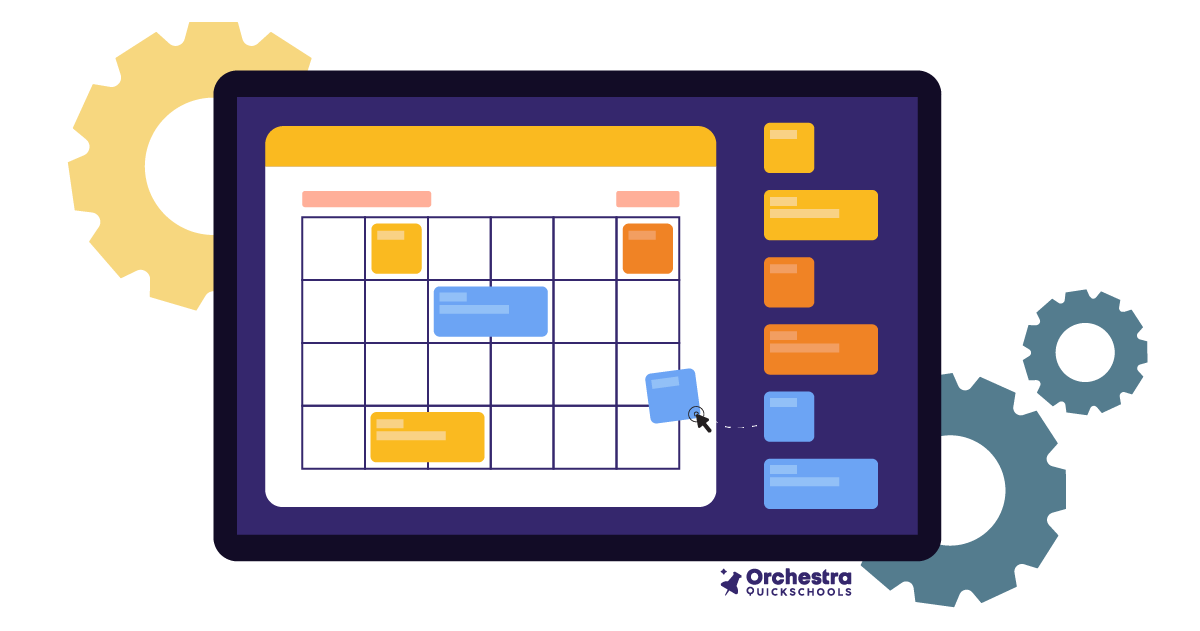
Primary Goal: Turn course demand into an actual schedule
Once student requests have been collected, schools begin transforming course demand into the structure of the master schedule. This stage involves moving from individual course requests into scheduled classes that students and teachers will use throughout the year. A key distinction during this process is understanding the difference between a course and a section.
Course → Section → Scheduled Class
| Courses | Sections |
A course represents the academic offering. Example: Biology Course-level information includes: Course name Grade levels Credits Subject area Enrollment limits Course length | A section represents the actual class students attend. Example: Period 2 Biology with Mr. Johnson Section-level information includes: Teacher assignment Section code Enrollment period Scheduling block Student enrollment |
Separating courses from sections gives schools greater flexibility when creating and adjusting schedules. Administrators can modify individual class sections without needing to rebuild the entire course structure.
Building the Schedule in Orchestra
During this stage, schools can configure course offerings, create sections, assign teachers, and organize scheduling information to generate the first master schedule draft.
April: Review, Adjust, and Optimize the Schedule
Primary Goal: Resolve conflicts and improve schedule quality
The first draft of a master schedule is rarely the final version. April is typically when scheduling teams begin reviewing the schedule in detail and identifying areas that need refinement.
Small adjustments can have significant effects across the entire schedule. For example, changing one section’s placement may affect teacher availability, room usage, and student course access. Schools need visibility into these relationships to make changes confidently.
Optimizing the Schedule in Orchestra
Orchestra provides tools that allow scheduling teams to review, adjust, and refine schedules more efficiently. The Schedule Board helps teams organize sections, review placements, and make changes while maintaining visibility across the overall schedule structure.
May–June: Load Students and Finalize the Master Schedule
Primary Goal: Confirm the schedule meets student needs
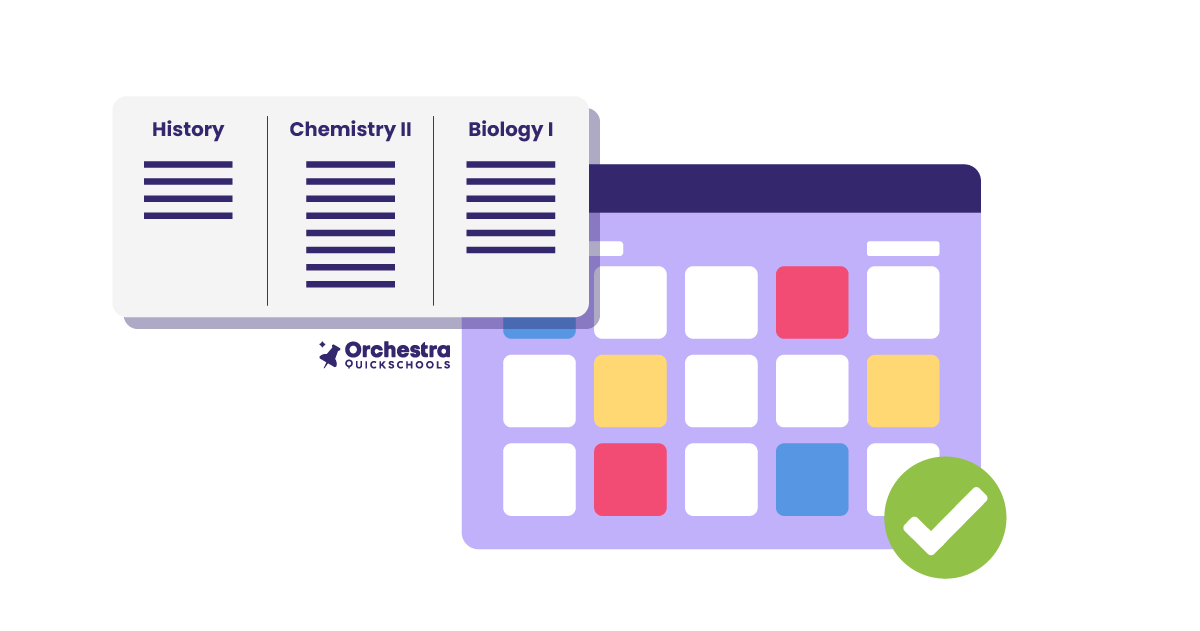
Once the schedule structure has been developed and refined, schools move into student placement. This stage ensures that students are successfully assigned to the courses they requested and that the completed schedule reflects actual student needs.
Loading Students in Orchestra
Orchestra allows schools to load students into sections and review how closely the completed schedule matches submitted course requests. This helps scheduling teams identify remaining issues before schedules are finalized.
July–August: Make Final Adjustments Before School Starts
Primary Goal: Handle changes without rebuilding the schedule
Even after a master schedule has been finalized, schools should expect some changes before the first day of school. Enrollment shifts, staffing updates, and student needs can continue to change throughout the summer.
Common adjustments include:
- New student enrollments
- Student withdrawals
- Staffing changes
- Course changes
- Section adjustments
A strong process with a planned scheduling timeline gives schools the flexibility to respond to these changes without starting over. By maintaining accurate scheduling data and a well-structured schedule, schools can make final updates efficiently while minimizing disruption before the school year begins.

Need Your Master Schedule Faster?
The ideal master scheduling process begins months before the new school year, giving schools time to forecast enrollment, plan course offerings, collect student requests, and refine staffing decisions. However, schools don’t always have that luxury. Delayed planning, staffing changes, unexpected enrollment shifts, or transitioning from a manual scheduling process can leave administrators needing to build a schedule on a much shorter timeline.
If your scheduling data is ready, the schedule-building process itself can be completed much faster with Orchestra.
Build Your Master Schedule with a Better Process
A successful master schedule does not happen overnight. By following a structured scheduling timeline, schools can reduce last-minute challenges and create schedules that better support their communities. All in all, whether you’re planning months in advance or working with a shorter timeline, having the right information and tools can help you make more confident decisions and build a schedule that works for everyone.

Frequently Asked Questions About Master Scheduling Timeline
When should schools start building their master schedule?|
Most schools should begin preparing their master schedule six to nine months before the new academic year. While the actual schedule build often happens in the spring, planning typically begins in the fall with reviewing the current schedule, forecasting enrollment, and preparing course offerings.
In what month do schools collect course requests?
Many schools collect student course requests between January and March, depending on their academic calendar. Collecting requests early gives scheduling teams enough time to analyze demand, create sections, and resolve potential conflicts.
How long does it take to create a school master schedule?
The timeline depends on school size, number of students, scheduling complexity, and available tools. Smaller schools may complete scheduling faster, while larger schools with multiple programs, electives, and specialized facilities may require several months of preparation and refinement.
How does scheduling software help schools?
Scheduling software helps schools organize scheduling data, manage course requests, create sections, identify conflicts, load students, and make schedule adjustments more efficiently compared with manual scheduling methods.
Can schools use Orchestra with different scheduling models?
Yes. Orchestra supports different K–12 scheduling structures, including traditional schedules, block schedules, A/B block schedules, rotating blocks, and flexible scheduling models.

