
The end of the school year has a funny way of speeding up just when everyone wishes it would slow down. A few more items on the agenda, a few more urgent emails in the inbox. Then, almost without warning, the final weeks of the school year arrive all at once. Exam timetables to finalise, graduation ceremonies to coordinate, rooms to book, and invigilators to assign. All while the rest of the school year is still very much in motion. What should be a well-orchestrated finish (😉) can quickly sound more like noise than harmony. With the right approach and the right tools in place, it doesn’t have to. The holiday rush becomes manageable, keeping your end-of-year scheduling clear, controlled, and chaos-free.
- Why year-end scheduling is uniquely challenging
- How Orchestra handles year-end scheduling, step by step
- When plans change (and they will)
- Get ahead now and finish the year on a high note
Why year-end scheduling is uniquely challenging
Year-end scheduling is not simply “more scheduling.” It is a fundamentally different kind of coordination problem. One where the usual rules don’t apply and the margin for error is much smaller than at any other point in the year. During regular term time, timetables are relatively stable. Classes repeat on a predictable cycle, room assignments are fixed, and most conflicts have long been resolved.
But as the year-end approaches, everything becomes fluid. Exam periods compress the timetable into a completely different shape. Events like graduations, award ceremonies, and sports days compete for spaces and staff at the same time.
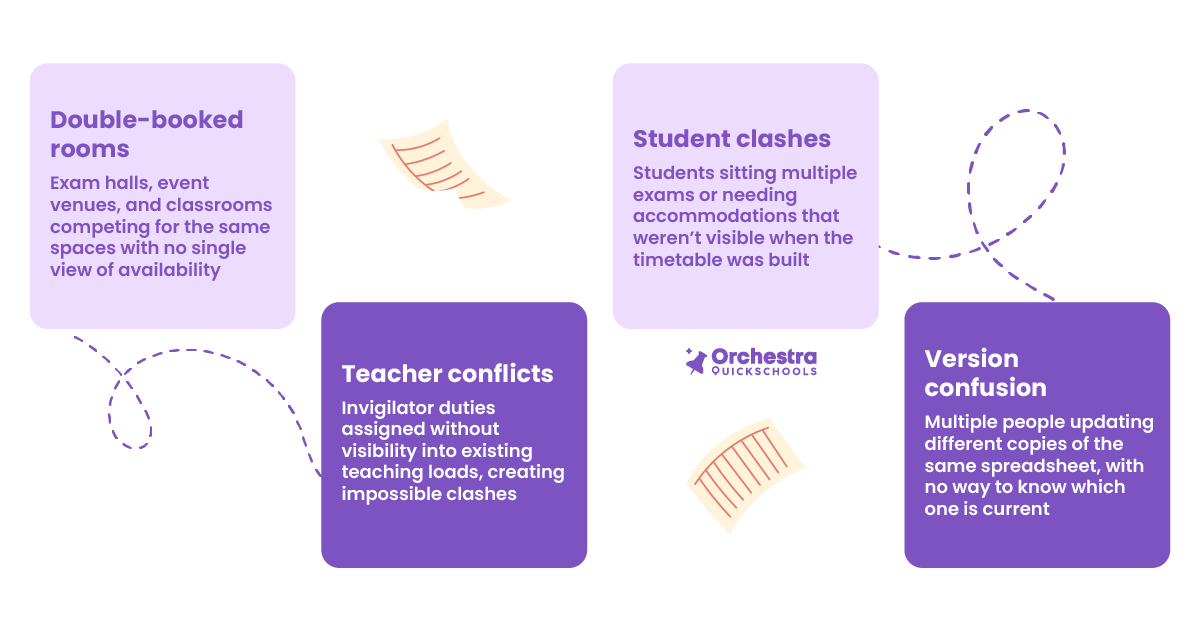
The solution is not “working harder” or starting earlier next time. What you need is a system designed to hold all of this complexity in one place, and to surface conflicts before they become problems.
How Orchestra handles year-end scheduling, step by step
Rather than managing exams, events, rooms, and staff in separate places, Orchestra brings everything into a single system. With automatic conflict detection, a drag-and-drop interface, and real-time updates that keep every stakeholder working from the same picture. Let’s see how our online master scheduler can help your year-end scheduling process.
1. Configure your courses, teachers, and rooms
Configuration & Import
Start by setting up or importing your course offerings and teacher assignments for the end-of-year period. If you have used Orchestra in a previous semester, you can import settings directly from the last enrollment period, which means you are not starting from scratch. Rooms, time slots, and teacher availability are all configured here, giving you a clean foundation before anything else is built on top of it.
This step alone eliminates one of the most common year-end problems: building an exam timetable on assumptions about availability that turn out to be wrong later.
2. Manage exam and course requests
Course Request Management
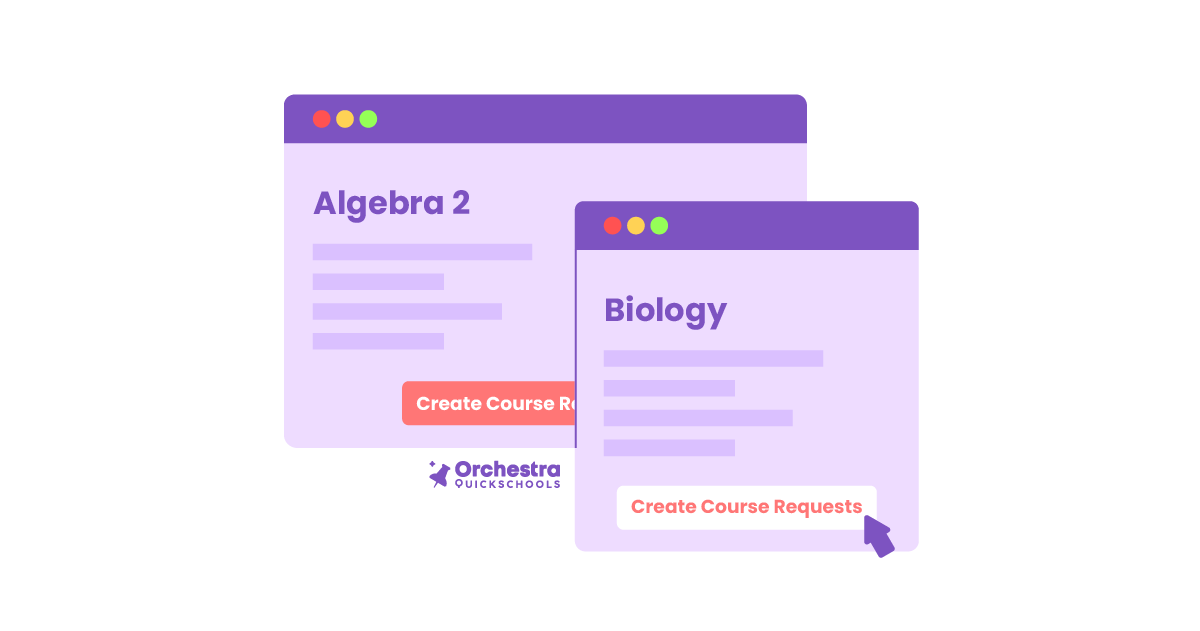
At the end of the year, this step is where student exam subjects, special accommodation requirements, and any remaining course requests are loaded into the system. Orchestra allows for individual submissions, bulk course requests, and mass changes. So whether you are handling five students with extended time requirements or two hundred students across eight exam subjects, the process scales without adding manual work. Having all students’ needs in the system at this stage ensures they are accounted for automatically when the schedule is generated.
3 Set your constraints
Constraint Settings
This is where the intelligence of a master scheduler really shows. You define the parameters: which time slots are available for exams, which rooms can be used and when, which teachers are available to invigilate, and during which periods. You can also set rules around teacher workload to prevent any one staff member from being overburdened while others have lighter loads, a common friction point at year-end when invigilator duties are being distributed.
4 Generate your schedule automatically
Automatic Generation & Conflict Detection
Once your data is in and your constraints are set, Orchestra’s scheduling engine generates your master schedule automatically. Building a timetable that satisfies your constraints, avoids conflicts, and fits all student and staff requirements. What used to take days of manual cross-checking now takes minutes. The system flags any conflicts immediately so you can see exactly where the pressure points are and address them before the schedule is finalised.
Orchestra also has a save point feature, which means you can save the current schedule scenario, go back and adjust a constraint, regenerate, and compare. Without ever losing your previous work. You can run multiple scenarios until you find the version that works best.
5 Fine-tune with drag and drop
Drag-and-Drop Interface
No automatically generated schedule is perfect straight out of the system, and Orchestra does not expect it to be. After generation, you can use the drag-and-drop scheduling board to make manual adjustments (moving sessions, reassigning rooms) all on a clean master scheduler board that shows you everything without the clutter.
The key difference from doing this in a spreadsheet: every change you make is instantly reflected across the entire schedule. Move a session, and the system checks whether that move creates any new conflicts. It is the flexibility of manual adjustment with the safety net of automated validation.
6 Share and communicate the finalised schedule
Portals, Notifications & Sharing

Once the schedule is ready, Orchestra lets you share it directly with teachers, students, and parents, without having to manually extract, reformat, and distribute information from a spreadsheet. Student and parent portals give families direct access to exam timetables and event schedules, reducing the volume of inbound queries to your admin team at exactly the time when they can least afford to field them. Plus, getting the schedule out early and making it easily accessible is one of the simplest ways to reduce year-end stress for everyone.
When plans change (and they will)
Even a perfectly built year-end schedule will face disruption. A teacher calls in sick on exam morning. A room becomes unavailable at short notice. An external examiner arrives late, and the session needs to move. These are not failures of planning; they are the reality of running a school through a complex, high-pressure period.
The difference between a school that handles this smoothly and one that scrambles is the speed at which a change can be made and communicated. In Orchestra, adjustments to rooms, staff, or sessions update across the entire schedule in real time. The right people are notified, the schedule stays accurate, and the team can move on.
Orchestra also integrates with your existing Student Information System, including QuickSchools’ own SIS, which means you don’t need to rebuild your data or disrupt your current workflow to use it. It works alongside what you already have, or as part of a complete all-in-one solution if that’s what your school needs.
Get ahead now and finish the year on a high note
The end of the school year will always be demanding. But demanding does not have to mean chaotic, and the holiday rush does not have to catch your school off guard every single year.
The schools that finish well are the ones that stopped trying to manage year-end complexity with tools designed for simpler problems. If your year-end schedule is still living in spreadsheets and things tend to get a little… complicated when the pressure builds, you’re in good company. Spreadsheets can absolutely do the job (we’ve even written about it), but they can start to show their limits this time of year.
“The last weeks of school should feel like a finish line, not a fire drill.”

See how Orchestra can help your school.


One thought on “How To Master Year-End Scheduling Before the Holiday Rush Hits”