
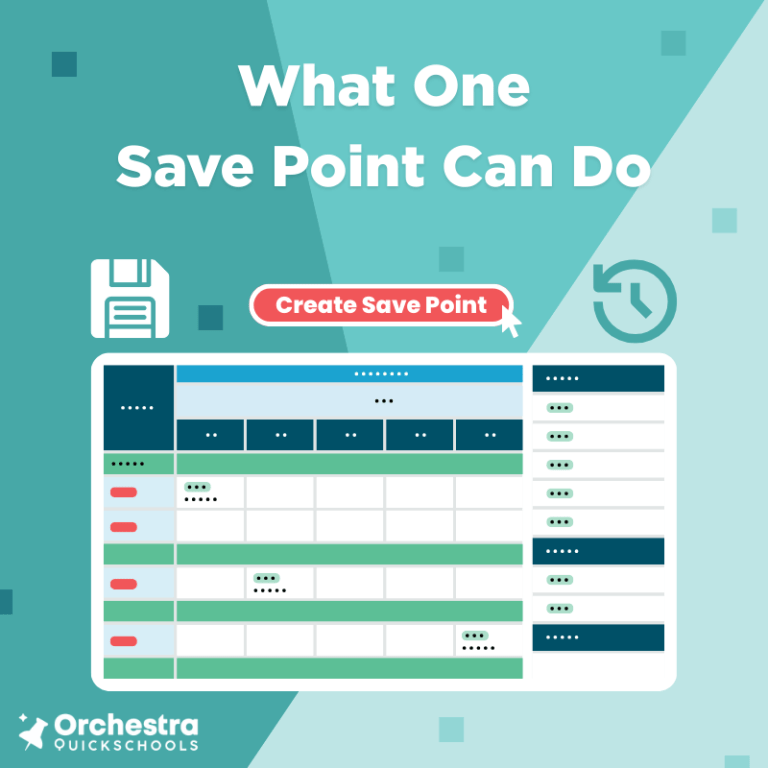
If you’ve built a school schedule from scratch or inherited one that needed fixing, you already know how complex it gets. There are rules to follow. Requests to honor. Must-haves that can’t budge. And then there’s the unpredictability of real life: student transfers, staff vacancies, fluctuating enrollment, last-minute directives, and conflicts that seem to pop up overnight. What you don’t always get is breathing room. The space to pause, test, and think through what might work before you commit. That’s exactly what Save Points in Orchestra’s Master Scheduler are designed to give you. They’re not flashy. They don’t shout for attention. But they quietly give you one of the most powerful advantages in scheduling: The freedom to try, adjust, and move forward without having to start over.
- The Safety Net Your School and Schedule Needs
- Try Different Teacher Reassignments Without Breaking Your Draft
- Experiment With Classroom Configurations Safely
- Adjust Course Offerings Based on Real Student Demand
- Try New Scheduling Formats in Parallel
- Balance Class Sizes More Strategically
- Work Around Shared or Floating Staff
- Plan for Growth Without Touching This Year’s Work
- Take the Pressure Off
- Make Bold Moves Without the Risk
The Safety Net Your School and Schedule Needs
Below, we’ve mapped out common scheduling challenges and how Save Points help you solve them with less stress and fewer surprises. They’re patterns we see every year from schools just like yours. Chances are, you’ve faced some of them yourself.
Try Different Teacher Reassignments Without Breaking Your Draft
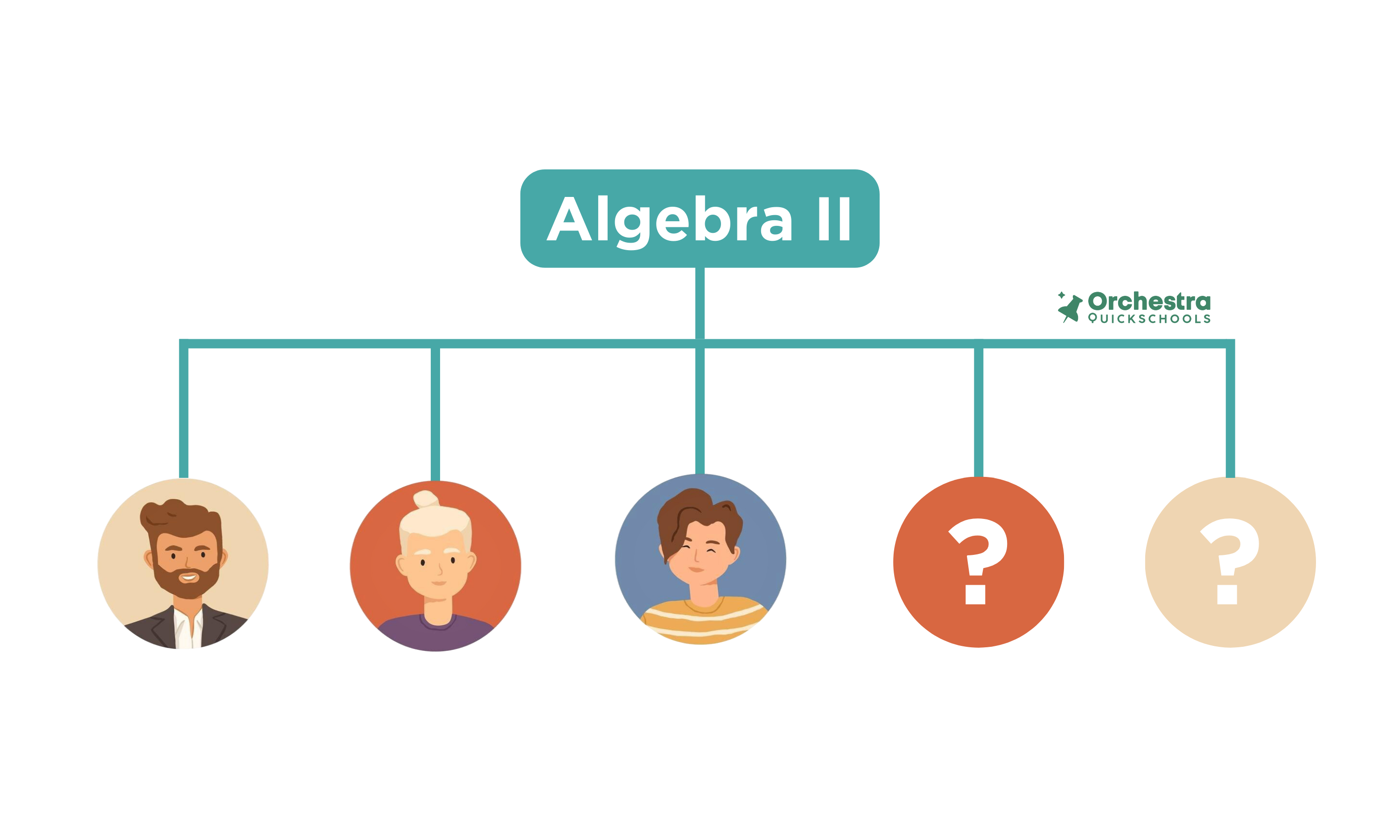
You’ve got five open sections of Algebra II and only three math teachers who can take them. One of your science teachers is certified in math and has room in her schedule. Should you move her? These are the kinds of questions you need to answer, and sometimes the only way to gain clarity is to try.
Save Points let you do that. You can adjust teaching assignments and see how it plays out. If the changes cause new problems or stretch your staff too thin, you can roll back to the previous version.
Example: You’re exploring the idea of reassigning the science teacher who’s certified in math to cover a section of Algebra II. After adjusting the schedule, a conflict with senior project blocks becomes visible, one that wasn’t apparent before. Because you used a Save Point, you’re able to pivot immediately and test another approach.
Experiment With Classroom Configurations Safely
You might be trying to move larger classes into bigger spaces or testing what happens if the entire science department shifts closer to the lab wing. The problem when changing room assignments without a safety net is that it can unravel more than you expect. Room changes can affect everything, such as teaching assignments and hallway traffic.
Example: Imagine you’re working through phased building renovations. This month, half of your classrooms are closed. Next month, it’s a different wing. You’ve created multiple versions of the master schedule tied to each phase of construction. With Save Points, you can toggle between them smoothly and get your students and staff out of the scramble.
Adjust Course Offerings Based on Real Student Demand
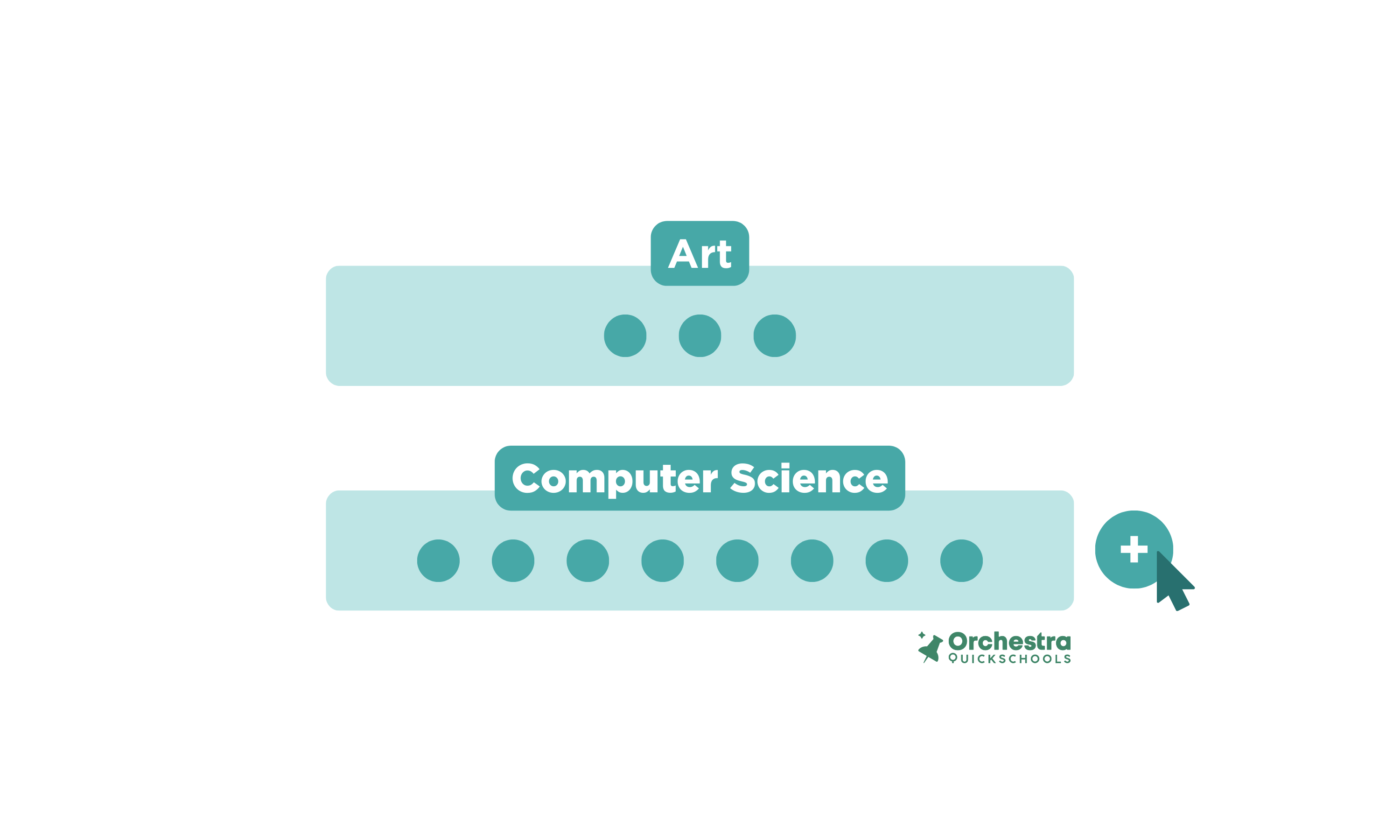
Your electives are set, and then the course request data comes in. One course has under ten sign-ups. Another has fifty-four. What to do now? Cancel the low-enrollment class? Add a second section to the high-demand one? Can your current teacher roster handle that shift?
Save Points allows you to pause, reshape, and see how it all fits together, before you blast the announcements.
Example: Say you decide to drop an under-enrolled art class and add a second section for computer science instead. Maybe it’s in response to student demand, or maybe the original class had more crickets than kids. Either way, you use a Save Point first. It’s like rearranging furniture in a virtual room before lifting a single couch. If it clicks? Great, lock it in. If it causes chaos? Just rewind. No one even knows you tried.
Try New Scheduling Formats in Parallel
Thinking about moving to a rotating schedule? Want to test a block format for upper grades? You don’t have to start from scratch or risk destabilizing what’s already working.
Save Points let you take your existing schedule, copy it, and apply the new format only to the grades or departments you want. You can compare outcomes, gather feedback, and roll forward when ready.
Example: You run a traditional bell schedule but want to explore block scheduling for upperclassmen. Using a Save Point, you create a test version of the master schedule and apply the block structure to grades 11 and 12. You can monitor it without the need to keep your fingers crossed.
Balance Class Sizes More Strategically
You’ve placed all the students. Technically, the schedule is done. But three sections are overloaded, and two have a handful of students. Balancing class sizes improves equity and reduces burnout, but having to shift students manually comes with risk.
With Save Points, you can redistribute students across sections, test various combinations, and only commit once you’re confident the new structure works better than what you had before.
Example: You use Save Points to redistribute students across multiple sections of an overloaded class. After a few adjustments, you find a combination that reduces average class size without reworking staffing. It’s like hitting the “shuffle” button until the playlist finally sounds right. Only here, it’s your teachers and students getting a better rhythm.
Work Around Shared or Floating Staff
Whether you’re covering a temporary leave or sharing staff between campuses, schedules can get fragile quickly. You may need to insert a long-term substitute, split a teacher’s day across two buildings, or build a temporary stopgap until a new hire is found. These moves shouldn’t cost you the progress you’ve made on the rest of the schedule.
Example: While waiting for a long-term substitute, you create a temporary schedule version that involves a neighboring campus lending a teacher for two periods. Save Points let you play out this staffing patch and see how it affects transitions. When the permanent hire starts, with just a few clicks, you’re back on track.
Plan for Growth Without Touching This Year’s Work

Enrollment is rising. There’s talk of adding a new grade level or expanding elective offerings. With Save Points, you can duplicate your existing schedule, build a future-facing version, and test it against projections. It’s a sandbox for next year, and one that doesn’t interfere with today.
Example: You can use Save Points to experiment with 60 expected new students. You add test sections, tweak room assignments, and adjust staffing. By March, you’ve already submitted hiring requests and requested additional classroom space.
Take the Pressure Off
High-stakes scheduling decisions often come with low margin for error, and that’s what keeps teams stuck. When every move feels like a risk, innovation stalls. Save Points remove the fear of “breaking” something that’s mostly working, giving you space to make bold choices without irreversible consequences.
Example: You’re rethinking how support staff are distributed across grade levels, but the idea feels risky. What if it makes things worse? You save your current schedule, map out the new coverage, and see instantly where it relieves pressure or where it adds friction. Either way, you’re not guessing.
Make Bold Moves Without the Risk
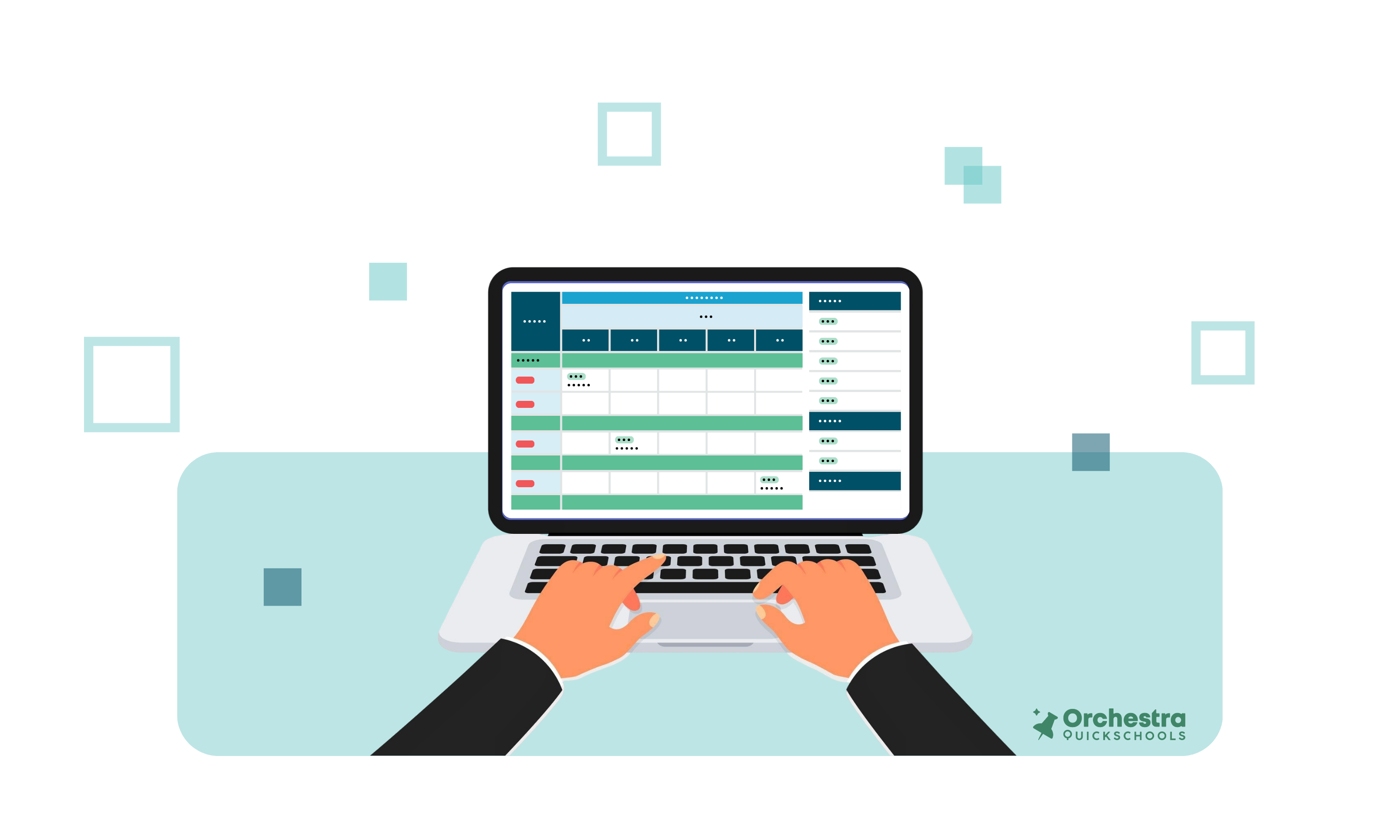
Say you have some bold ideas. If:-
- You’re stuck in a loop of fixing one issue only to create another,
- Trying something new feels like risking everything that mostly works,
- Your team spends weeks adjusting sections only to land back at square one,
Then this is your moment to stop the guesswork and start building schedules that flex with you.
With Orchestra’s Master Scheduler and save points, you can explore smarter solutions without disrupting what’s already working. No more “hope this works.” You don’t need to play it safe. Not when your software has your back.
Book a demo with Orchestra today, and let’s show you how Save Points give you room to lead with confidence. You never have to settle for “good enough” again.

 Blog
Blog 